


Sunday, March 1, 2020
I participated in the Misfits Blog Challenges
for the first time!! For my part, I
did Template & Wordart.
The template is Spring Themed
& available here.
The wordart is a mix of Spring
& St. Patty's themed &
available here. While you are there,
check out all the goodies made
by other Misfit members.


Saturday, February 29, 2020
CT tag & wallpaper featuring the magical art of
Sheena Pike using her tube 46-1.
I am also showcasing the wonderful
IB Sheena Pike 46-1 Scrap by Karmalized.
The wallpaper is 1920x1080 & available
here for download. Spring brings
new life to our world after dreary winter.
Colors erupt in blooms everywhere.
After hibernating through the cold winter,
this dragon is helping paint the world in colors.
Catch her & her friends flying around outside.


Friday, February 28, 2020
CT tag featuring the fantastic art of
Vinegar using her tube 6-3.
I am also showcasing the beautiful
IB Vinegar 6-3 Scrap by Ladyhawwk.
As everyone celebrates Carnival
in the streets, she prefers a more
elegant & tasteful affair.Of course, one
cannot celebrate without the perfect mask
accessory & feathers. Now, to make her
entrance and dance to the music of the band.


CT tag featuring the adorable art of
her tube 3-1. I am also showcasing the
magick filled IB Scrap Rene Kunert
7-1 by Wicked Princess Scraps.
Under a full moon, this nightmare
wanders amongst the spellcasting
tools. Will she cast good or bad
spells tonight? The answer remains
to be seen. Only the moon knows
what she is up tonight.


Sunday, February 23, 2020
CT tag featuring the beautiful art of
Zindy using her tube Irish Cutie.
I am also showcasing the wonderful
scrap Galway Girl by Irish Princess.
Like the warmth of the sun and the light of the day,
may the luck of the Irish shine bright on your way


This tutorial was written by me
on February 23, 2020
Any resemblance to another
tutorial is purely coincidental.
I am using the tube 45-1 by Hannah Lynn.
Plugins:
Toadies - Glasswork Grey
Mura's Meister -Copies
VM Natural Transmission
Open up a new image 700x700.
Open up a tube of choice.
Open up the template I have provided for
this tutorial.
Fill each rectangle layer with a different color.
Make sure you select each layer before you fill it
with a different color.
For the main square layer, select a darker color than
the previous ones you have used.
Copy & paste your tube as a new layer above the rectangle layers.
Arrange so it covers the Left rectangle layer. Select the inside of
the rectangle layer with your magic wand tool.
Selections - Invert & select the tube layer.
Press delete on your tube layer.
Select none.
Duplicate the tube once & mirror.
This should position it on the opposite side
on top of the Right Rectangle.
Duplicate each of the tube layers once.
You want to arrange so they line up on the rectangle layers
with them facing Left - Right - Left - Right.
Now in your layers palette, arrange each tube layer above the
color rectangle layer it is positioned above.
Okay now on the Left & Middle Right Tube Layers, apply the plugin
VM Natural Transmission...default settings.
Change the blend modes on each of these layers to Overlay.
On the Middle Left & Right tube layers, apply the plugin
Toadies - Glasswork Grey to each of the tube layers with default settings.
Change the blend modes to Soft Light.
Duplicate the Main Square layer & hide the original Main Square layer.
Arrange the copy above the other layers.
Set the blend mode to Hard Light & lower the opacity to 57.
Select your Text tool. Choose a font of choice.
Type out a single word or two. Convert to Raster.
Use Mura's Meister - Copies.
Select the option of Tiling. Change the Tile Gap to 2
& click Ok.
Click the Main Square Copy Layer with your Magic Wand tool.
Click Invert. Select the wording you just tiled.
Press delete on your keyboard. Select none.
Change the blend mode on the word layer to Soft Light.
Duplicate the bottom layer twice.
On the top duplicated layer,
Set the Foreground on your Materials palette to a dark color.
Select your Airbrush tool. Using a Brush effect of choice,
apply it to the bottom duplicated layer in each of the corners.
I used a cross hatch type brush.
On the other duplicated layer, fill with a color of choice.
Apply a mask of choice. I used the mask LLM-901.
Merge group. Resize the mask 94%.
Merge layers together. Crop your tag.
Add copyright information & name to your tag.
Save as png. Thanks for trying my tutorial.
Friday, February 21, 2020
CT tag featuring the beautiful art of
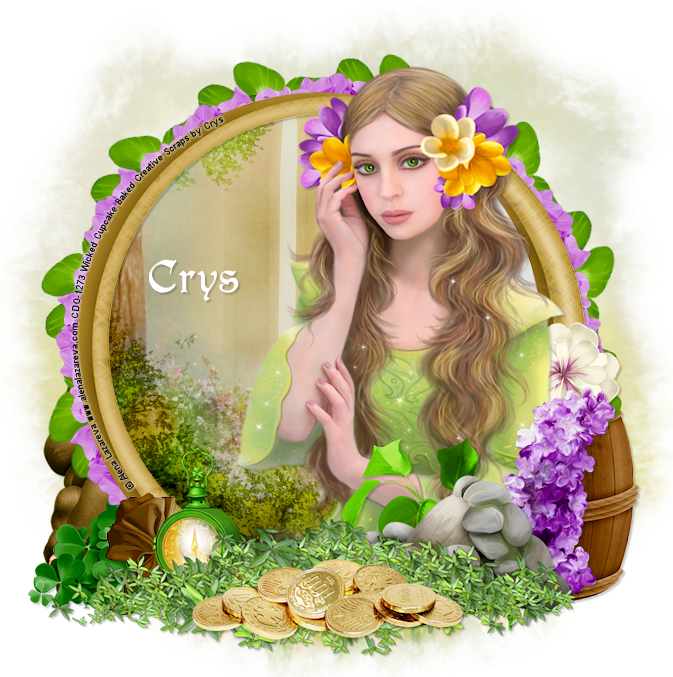
Alena Lazareva using her retired November
2016 Bonus Tube. I am also showcasing the
wonderful scrap Lucky Little Dragon by
May your heart be light and happy,
may your smile be big and wide,
and may your pockets always have
a coin or two inside!

Subscribe to:
Posts
(Atom)
Zone Award